Scope
DC harnesses must be defined by electrical and mechanical requirements rather than connector appearance alone.
Request preparation
Provide source and load details, pinout, conductor and protection needs, connector parts, length, routing, quantity, test expectations, and approved drawing status.
Technical parameters and selection boundaries
Published configurations differ by manufacturer and exact part number. These are selection dimensions, not one combined specification.
| Parameter | Documented example or choice | Verify for this request |
|---|---|---|
| Architecture and endpoints | The TE ORv3 guide describes 48 V rack-busbar-to-IT-gear power input assemblies. | This is a defined architecture example. It does not rate arbitrary server harnesses for 48 V or establish an interchangeable connector pinout. |
| Signal and power conductors differ | The page labels 18–20 AWG for the low-speed sense contact. | That gauge label belongs to the sense circuit, not the main high-current power conductors. Size the power conductors from the approved assembly drawing and thermal design. |
| Routing choices | Rear-exit and side-exit cable routing are listed for the reviewed IT-gear solution. | Choose the exit direction with chassis clearance, service access and strain relief. Branch lengths, wire gauge and terminal details remain drawing-specific. |
| Termination construction | The BB1000 section distinguishes direct cable attachment from screw-mounted terminations for flexible busbar, cable lugs or rigid busbar. | These are different ordered constructions. A connector-family name is not a complete ready-to-install harness specification. |
Standard configurations and project options
| Configuration area | Documented option | Project decision |
|---|---|---|
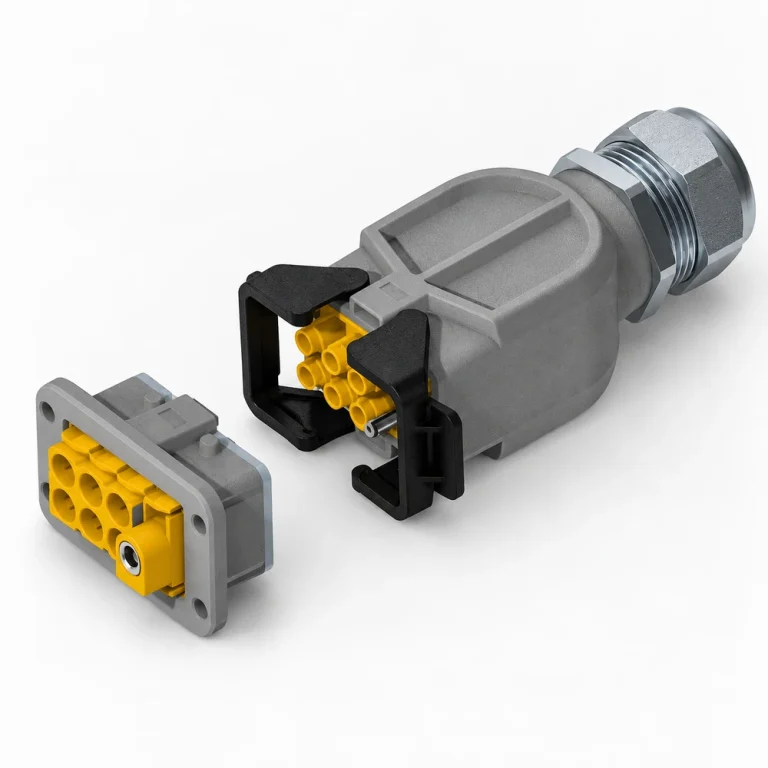
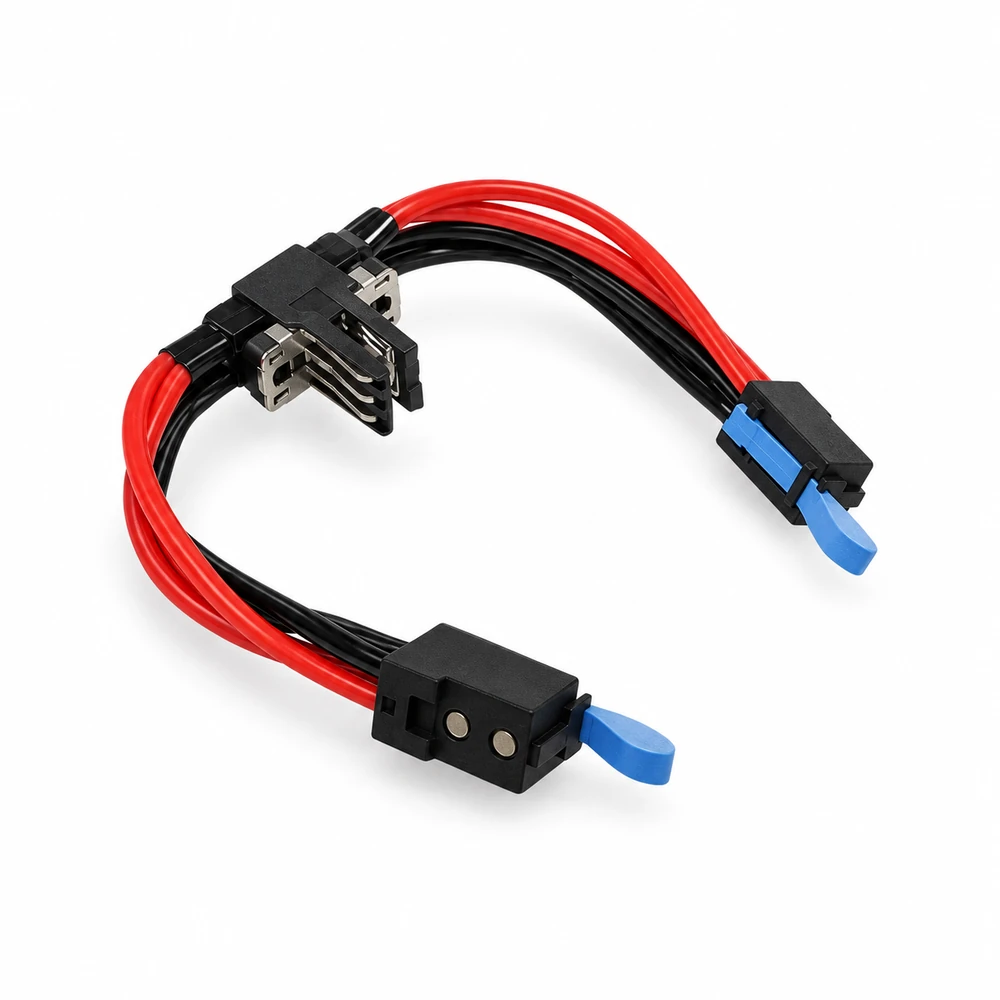
| Controlled custom assembly | The guide describes custom cable assemblies and combinations with MULTI-BEAM XLE, RAPID LOCK, ELCON Mini and lugs. | These are TE portfolio options, not a claim of our own manufacturing capability. Specify full endpoints, pinout, conductor roles, lengths, labels and acceptance tests. |
| Ground and sense sequence | The reviewed screw-mounted IT-gear connector describes ground mate-first/break-last and sense mate-last/break-first. | Preserve protective-ground and sense functions in the approved harness design; do not interchange them with load or return conductors. |
Representative models and configurations
Examples illustrate real product variation. A listed manufacturer or model is not a statement of our stock, authorization, or confirmed availability.
| Manufacturer / series | Published configuration | Important scope |
|---|---|---|
| TE ORv3 IT-gear cable assembly configuration | 48 V architecture; rear/side cable routing; separate ground and sense functions. | Published configuration, not a complete orderable MPN. Current rating, power-wire size and pinout require the controlled assembly specification. |
| TE BB1000 cable-attached configuration | Direct cable termination, distinct from screw-mounted busbar/lug versions. | Configuration name only. Do not interpret the brochure sum of load and return contact currents as a 1000 A circuit rating. |
Applications and procurement context
- For a specified server or rack DC power route, provide the system architecture and drawing first, then define load/return/ground/sense conductors, connector sequence, exit direction and mechanical restraint. Obtain assembly-specific electrical and thermal limits before acceptance.
Compatibility, current supply, lead time, origin, and acceptance documents must be confirmed for the actual order.